You can use multiple filters on a variable at a time – just separate each filter using another pipe character. If you use multiple filters at once, their actions will be carried out from left to right. Remember that Liquid is case-sensitive.
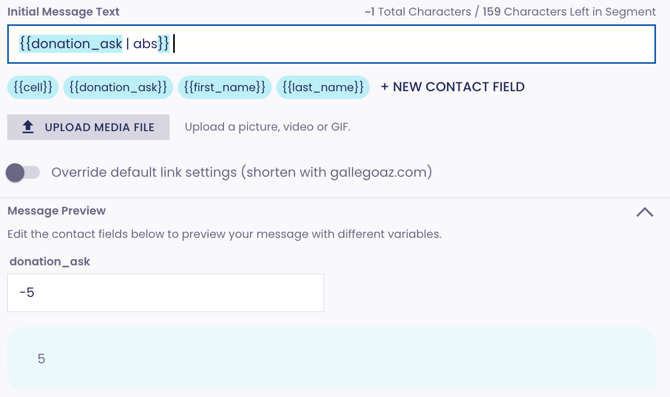
abs - returns the absolute value of a numeric variable; does not accept parameters
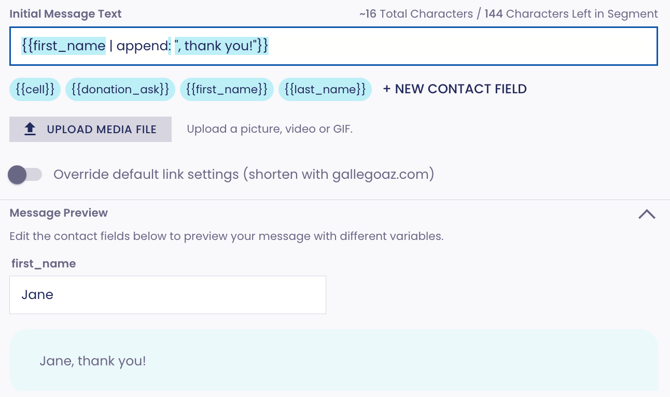
append - adds a specific string to the end of a variable or string; accepts a single parameter
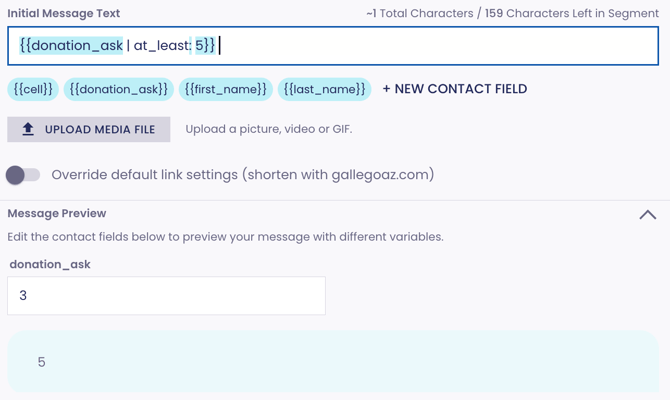
at_least - sets a minimum value for a numeric variable
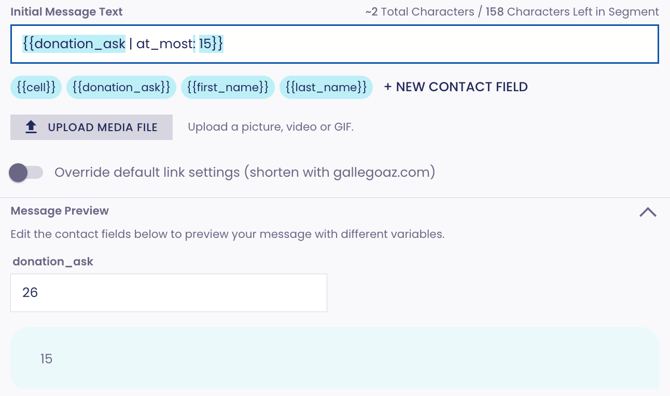
at_most - sets a maximum value for a numeric variable
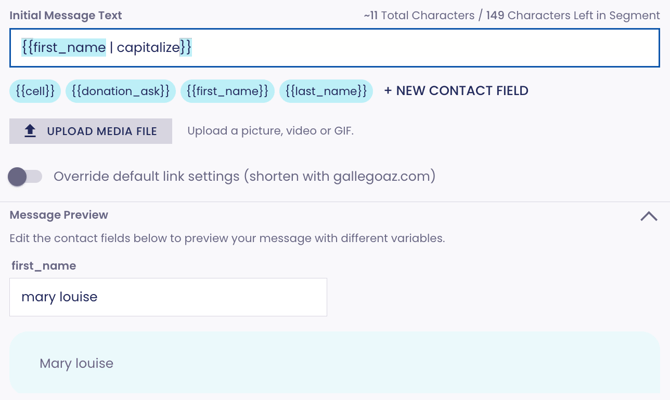
capitalize - capitalizes the first letter (and only the first letter) of a string; does not accept parameters
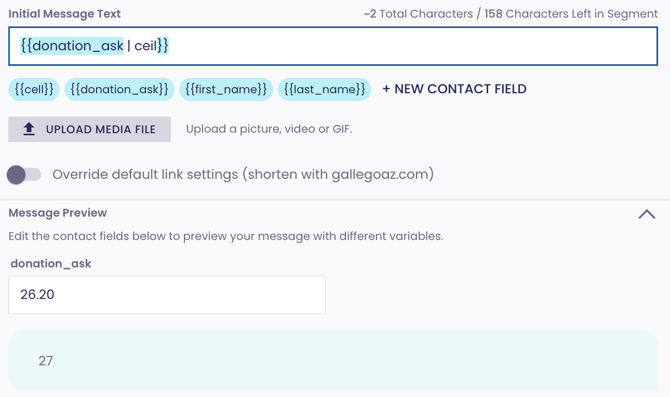
ceil - rounds a numeric variable up; does not accept parameters
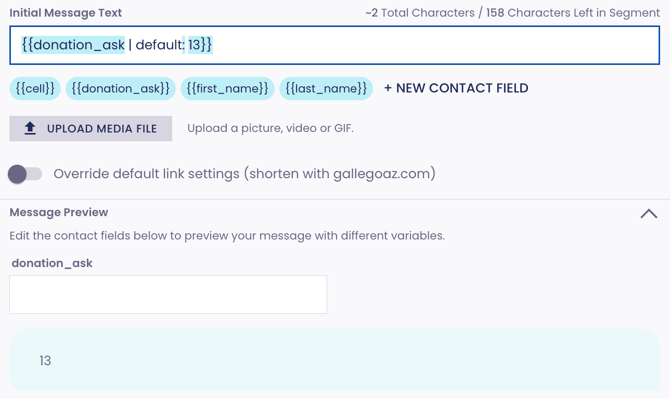
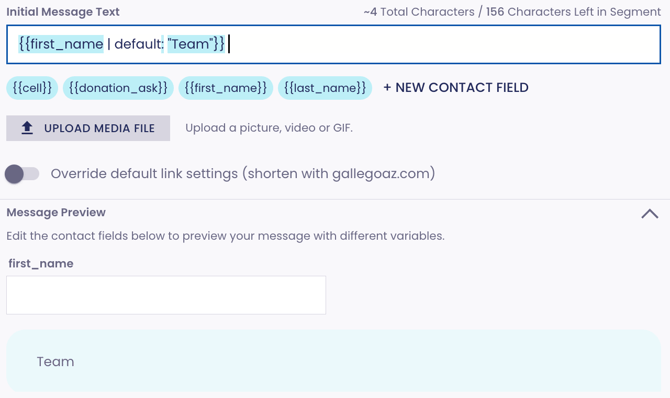
default - sets a default value for a numeric or text variable; the default value will be displayed for anyone with no data for the variable in question
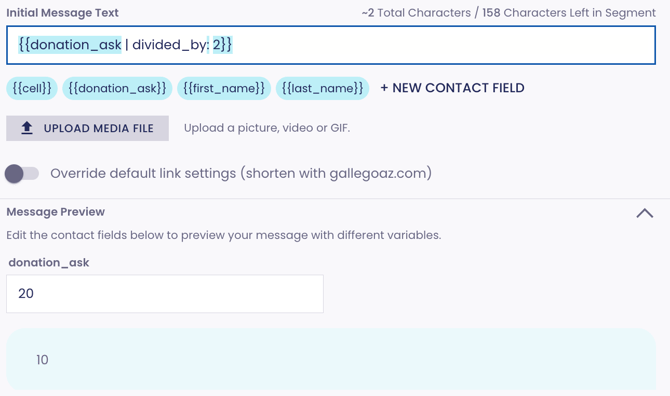
divided_by - divides a numeric variable by a specific value
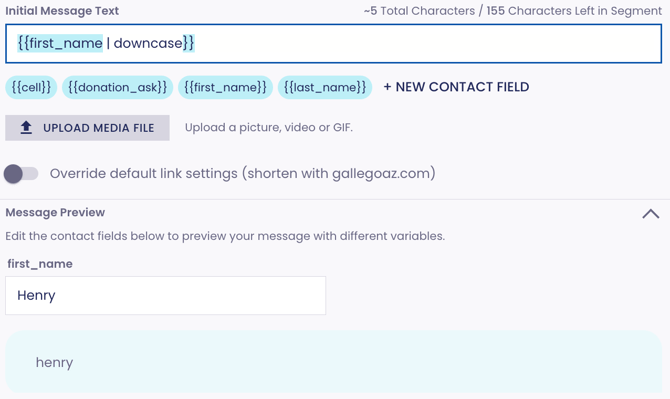
downcase - makes each character in a text variable or string lowercase; does not accept parameters
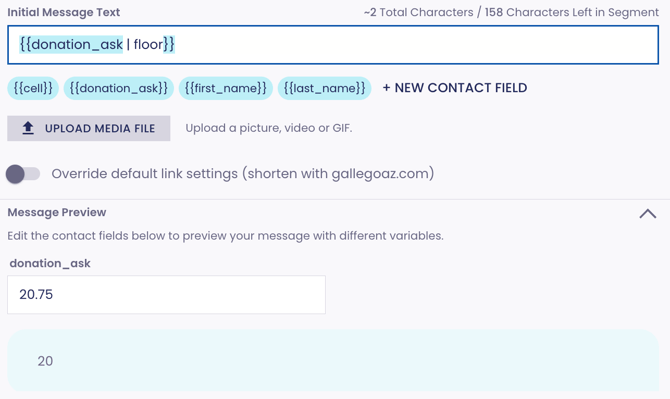
floor - rounds a numeric variable down; does not accept parameters
lstrip - removes all white space from the left side of a variable or string; does not accept parameters
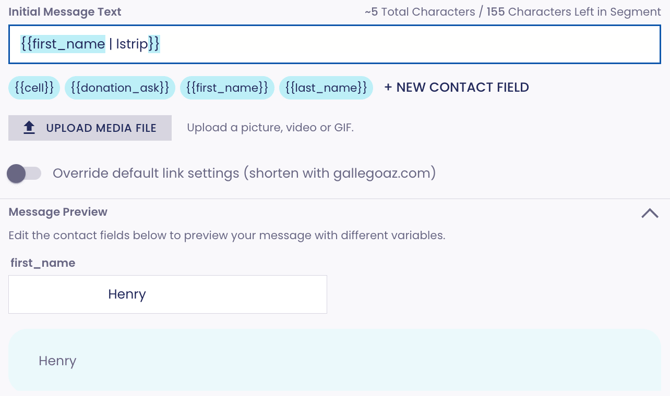
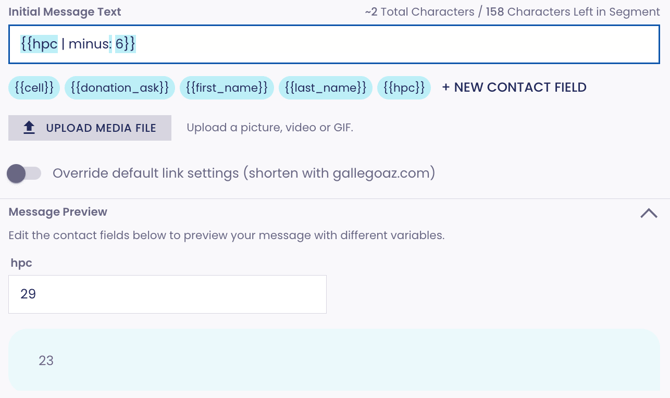
minus - subtracts a value from a numeric variable
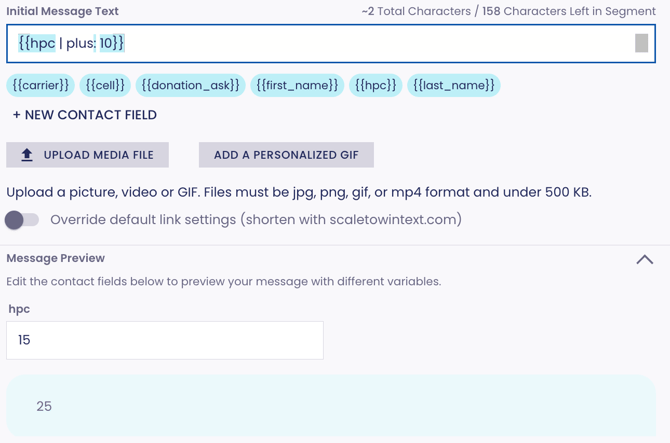
plus - adds a value to a numeric variable
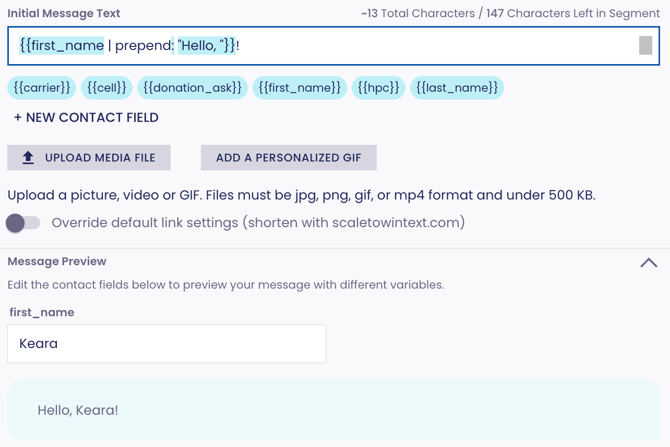
prepend - adds a specific string to the beginning of a variable or string; accepts a single parameter
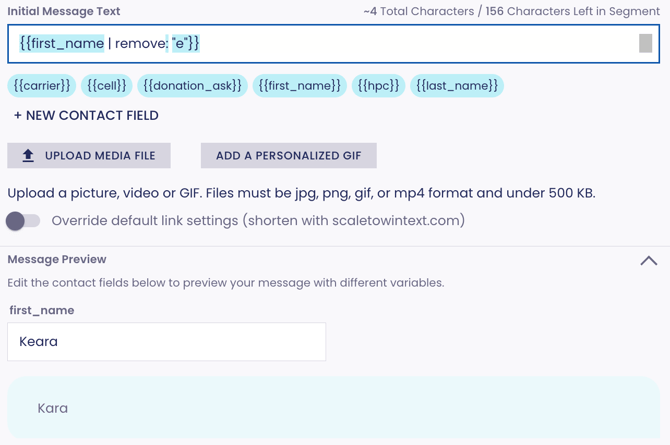
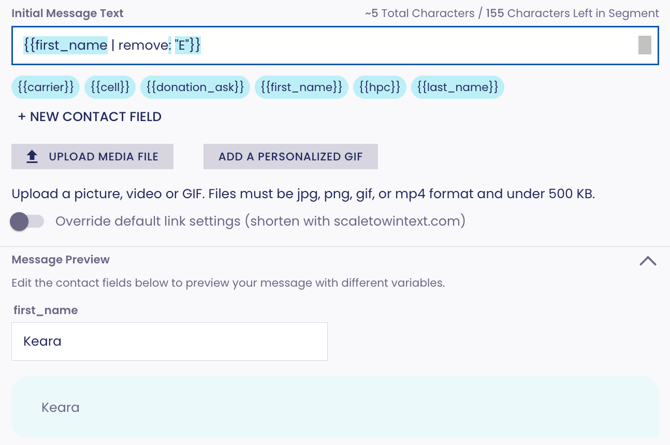
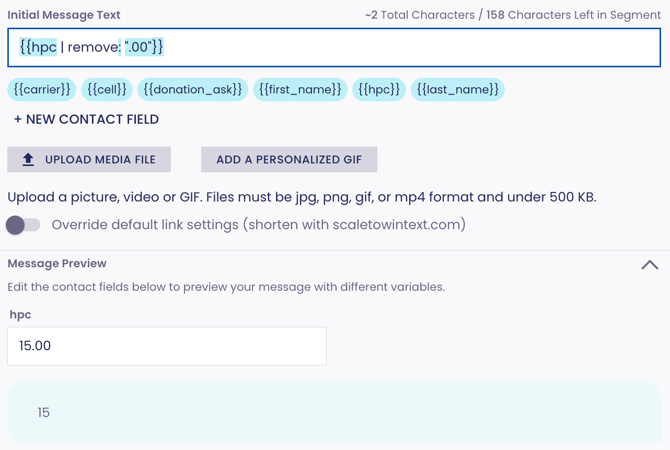
remove - removes every instance of a specified substring from a variable or string; accepts a single parameter (reminder: liquid is case-sensitive!)
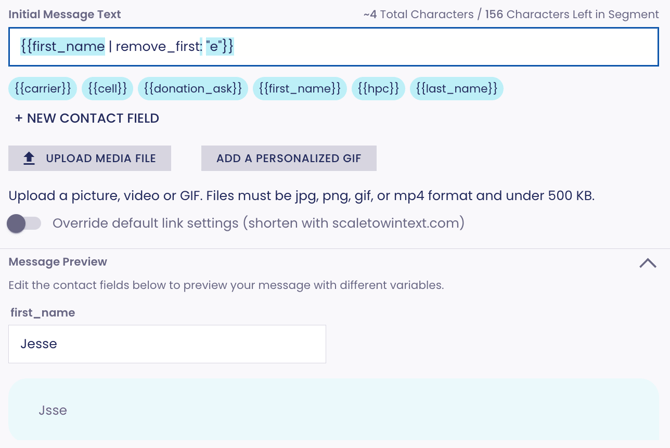
remove_first - removes the first instance of a specified substring from a variable or string; accepts a single parameter (reminder: liquid is case-sensitive!)
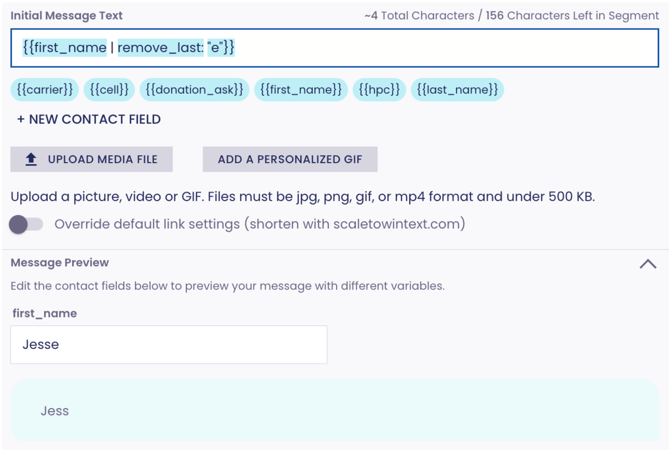
remove_last - removes the last instance of a specified substring from a variable or string; accepts a single parameter (reminder: liquid is case-sensitive!)
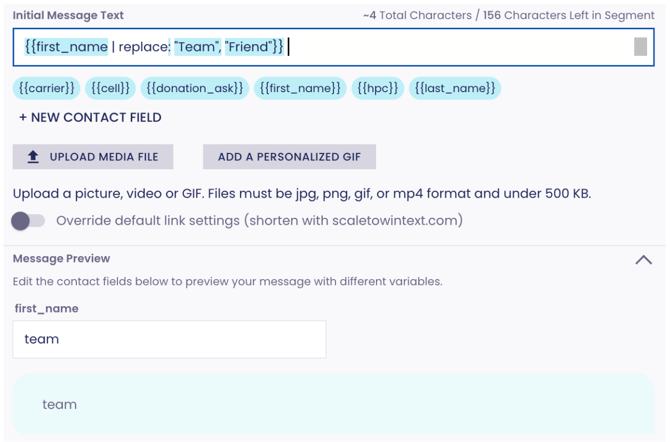
replace - replaces every instance of a specified substring (the first parameter) in a variable or string with another specified string (the second parameter); accepts two parameters (reminder: liquid is case-sensitive!)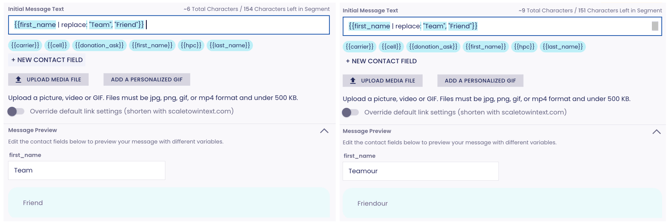
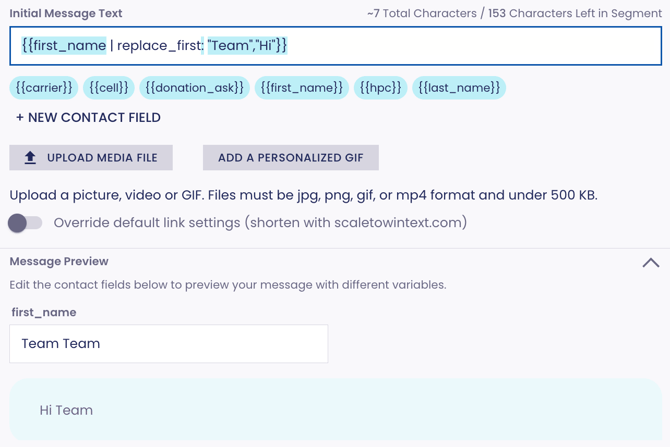
replace_first - replaces the first instance of a specified substring (the first parameter) in a variable or string with another specified string (second parameter); accepts two parameters (reminder: liquid is case-sensitive!)
replace_last - replaces the last instance of a specified substring (the first parameter) in a variable or string with another specified string (second parameter); accepts two parameters (reminder: liquid is case-sensitive!)
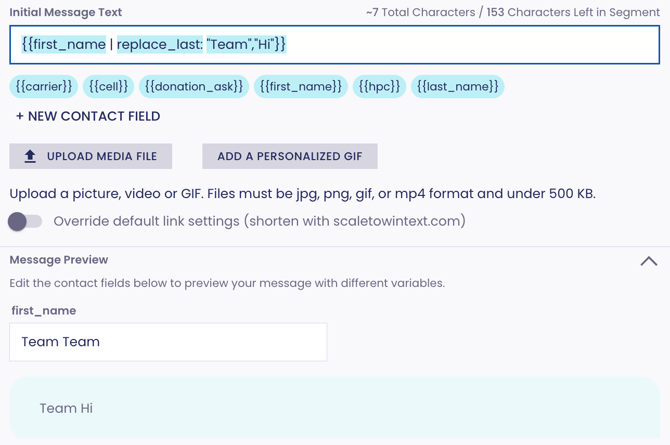
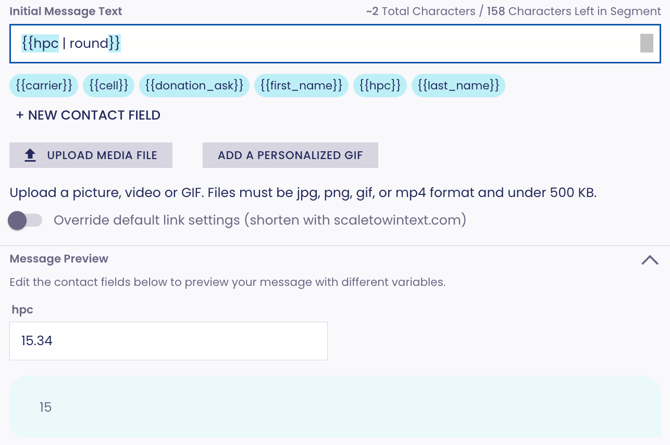
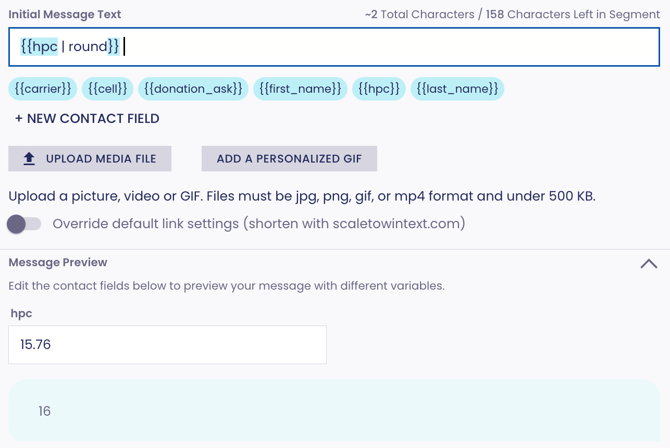
round - rounds a numeric variable to the nearest whole number; does not accept parameters
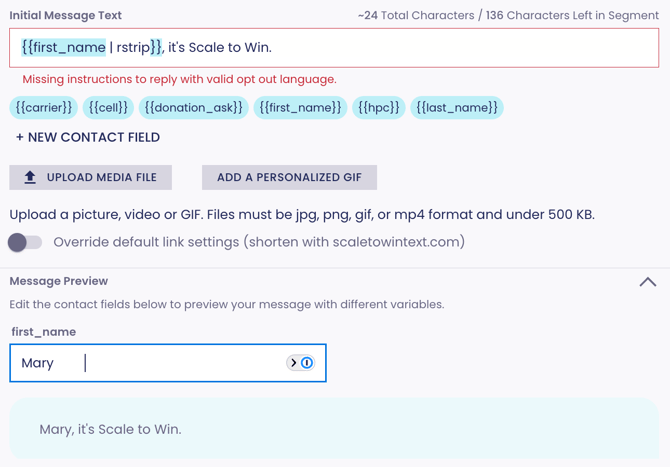
rstrip - removes all whitespace (tabs, spaces, and newlines) from the right side of a text variable or string (does not impact spaces between words)
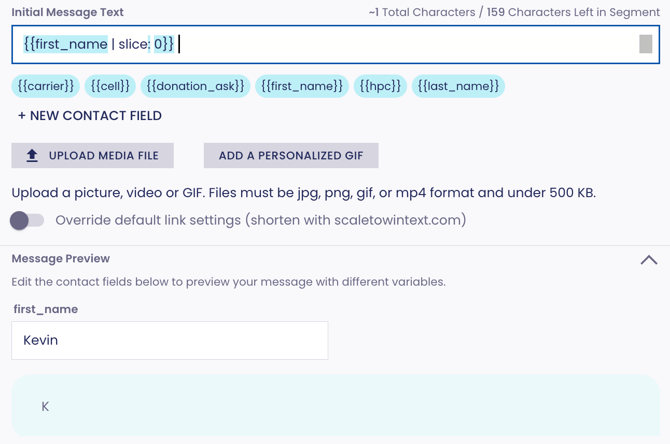
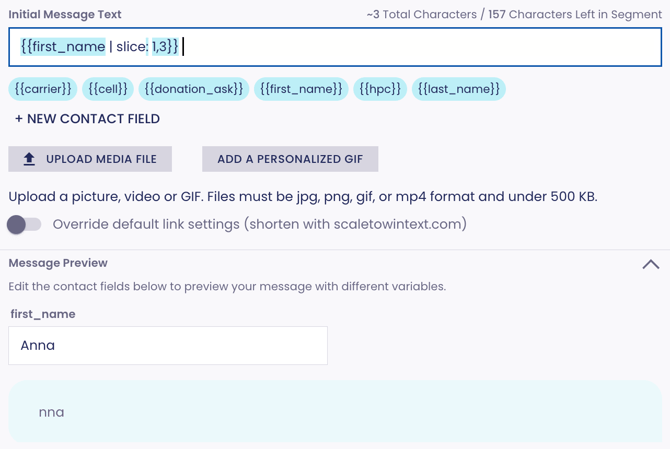
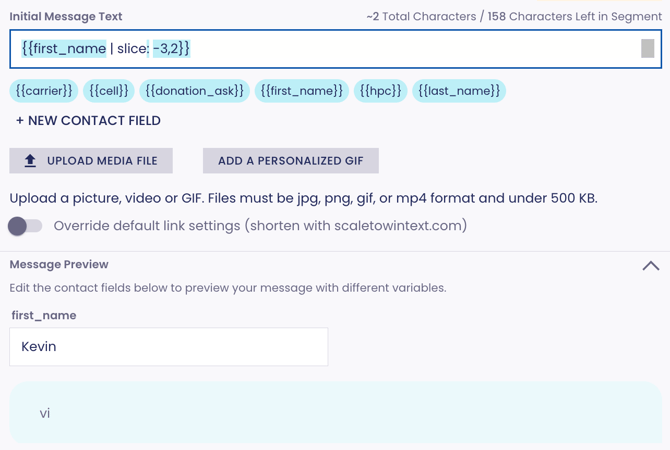
slice - returns a substring of at least one character beginning at the index specified by the first parameter (remember that string indices are numbered beginning with 0); also accepts an optional second parameter which indicates the length of the substring to return; if your first parameter is negative, the indices are counted from the end of the string
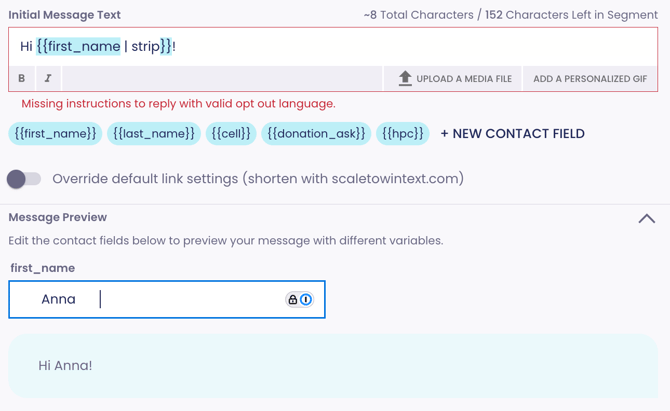
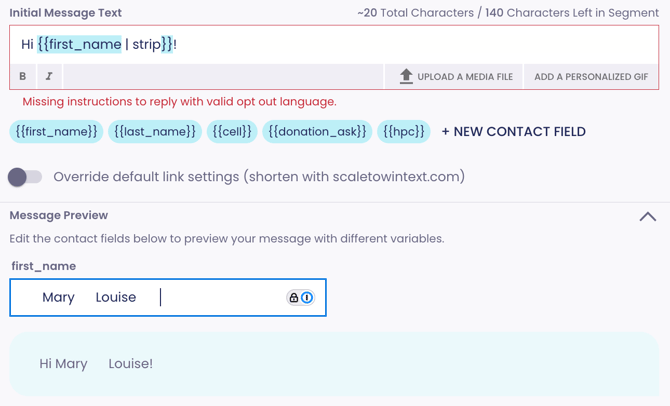
strip - removes all whitespace (tabs, spaces, and newlines) from both the left and right sides of a string; does not impact spaces between words
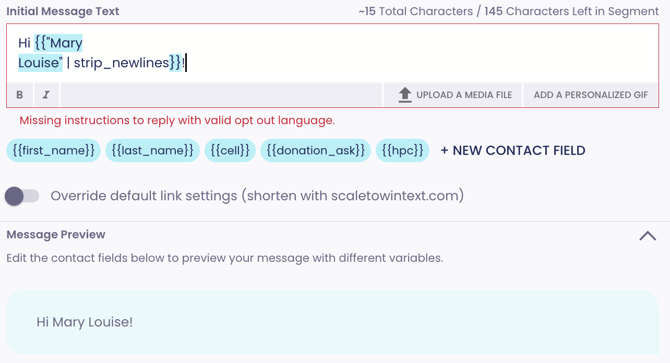
strip_newlines - removes line breaks from strings
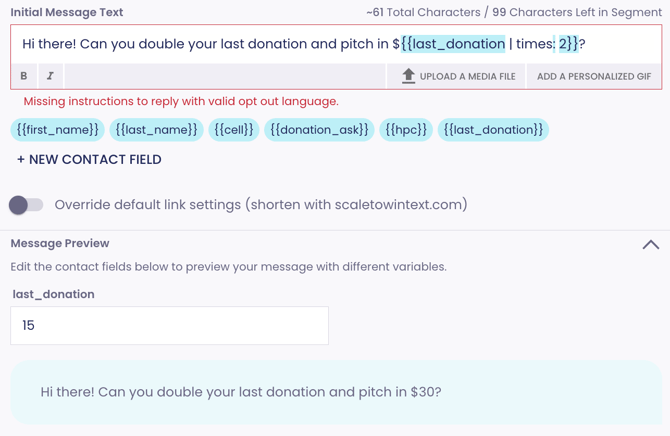
times - multiplies a number by another number; accepts one parameter
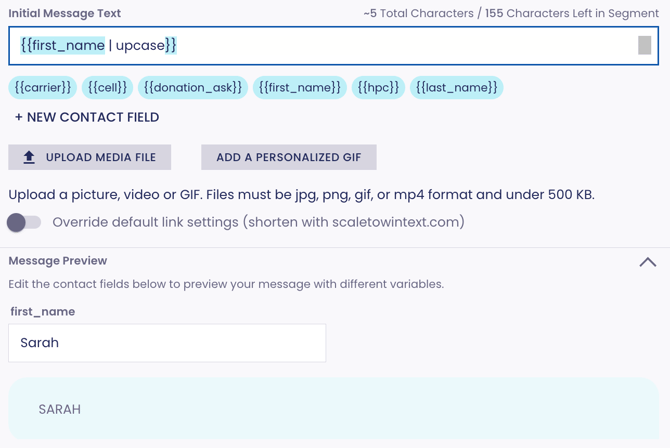
upcase - makes each character in a text variable or string uppercase; does not accept parameters