
🚨Note: We no longer accept checks as a form of payment. Your check will be returned to you.
Your Scale to Win billing dashboard allows you to modify your preferred payment methods and enroll in autopay. You may notice you are already enrolled in AutoPay, this is based on your organization type and our terms of service agreement to charge your payment method for usage.
You can view your current balance and recent charges at any time by logging into your billing portal here: https://scaletowin.invoiced.com.
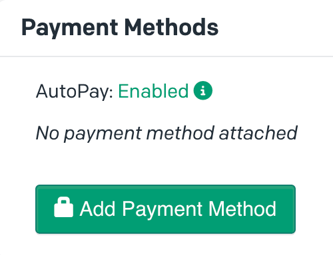
Credit Cards
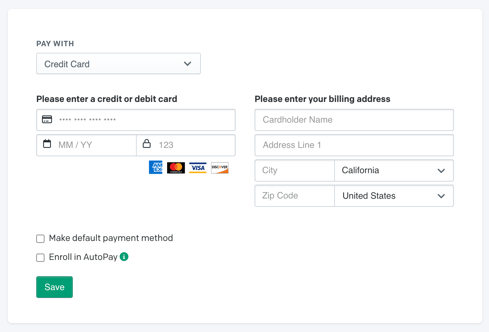
To add a new card select “Credit Card” from the Pay With dropdown menu. Fill out the missing fields and make sure the Cardholder Name is correct. You can make this your default payment or enroll in autopay.
Note: Selecting “Make Default Payment Method” will delete any other payment method on file.
Direct Debit
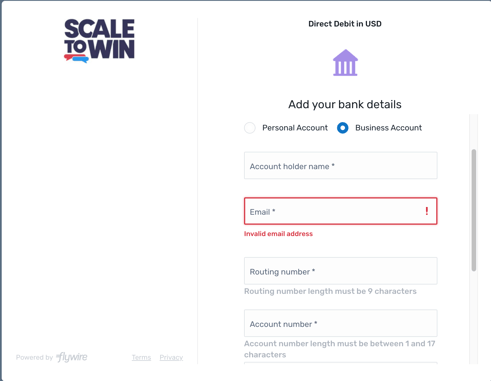
To add an ACH account select “Direct Debit” from the “Pay With” dropdown menu, and fill out the required fields. You can make this your default payment or enroll in autopay.
Note: Selecting “Make Default Payment Method” will delete any other payment method on file.
The first box will prompt you to enter the contact information of the person completing the transaction. You will be able to enter the specific bank account information in the next box.
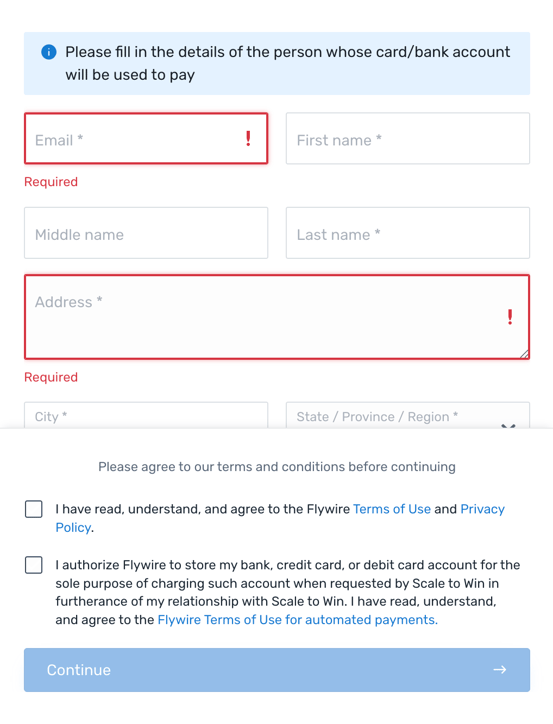
If you are using a personal bank account you will be prompted to enter the following:
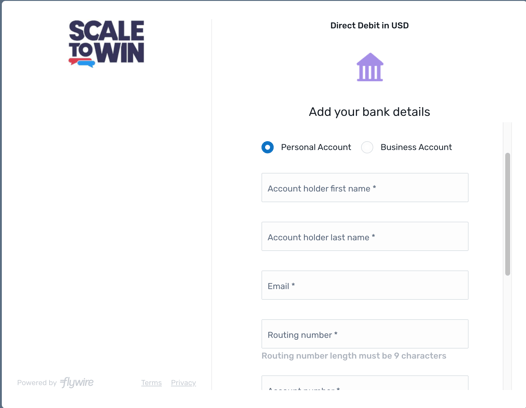
If you are using a business bank account you will be prompted to enter the following:
Removing A Payment Method
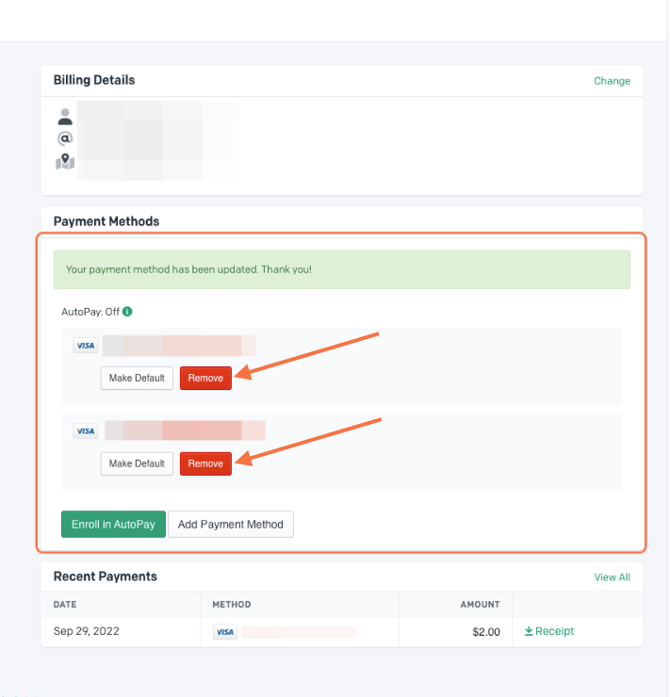
You can remove payment methods by clicking the drop down next to each payment method and clicking remove.
Note: This is only available if you have more than one payment method on file.
Enroll in Autopay
To enroll in automatic payments, click Enroll in AutoPay. 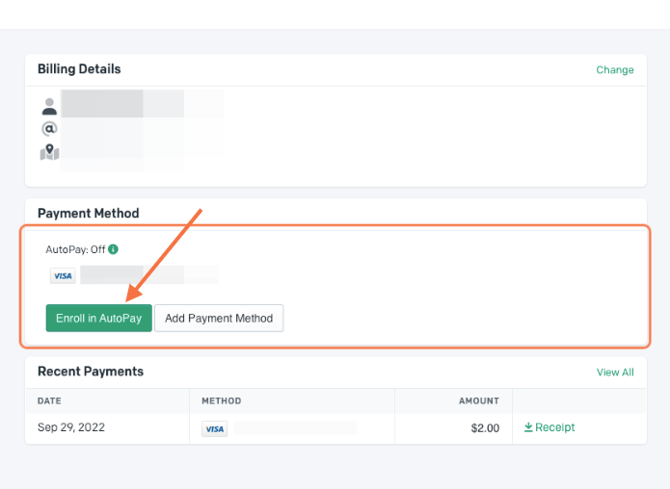
This will prompt you to “Add Payment Method” once again. You cannot select an existing payment method to enroll in AutoPay. You must re-enter it and make sure to check the box for “Enroll in AutoPay”.
Please be aware that this option will only be available if we have enabled AutoPay for your account. Again, feel free to send an email to billing@scaletowin.com if you do not see this option and would like it turned on.
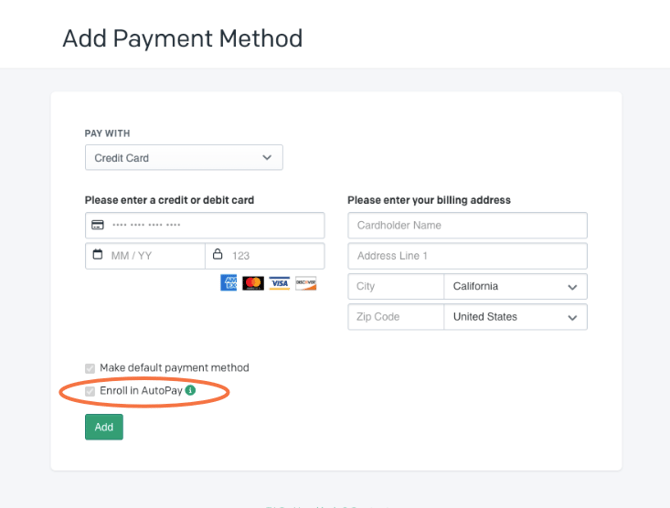
When AutoPay is enabled your payment method on file (card or bank account) will be charged automatically when there is a new invoice.
Note: You cannot unenroll from AutoPay through the billing portal. Please contact billing@scaletowin.com if you need assistance
FAQs
What If I use a PO Box as a mailing address? (for the adding a payment method step)
This step is for verification only and does not impact your billing address. You may enter your residential address or your bank’s address.